Vulnerability Management
Track every finding with structured categorization, risk assessment and evidence, from the first report to the retest.
Key Capabilities: Severity and risk scoring | Evidence | Retest requests | Scanner imports



PT-Radar gives security teams one place to scope assets, run tests, document findings and prove remediation, with a full audit trail behind every step.
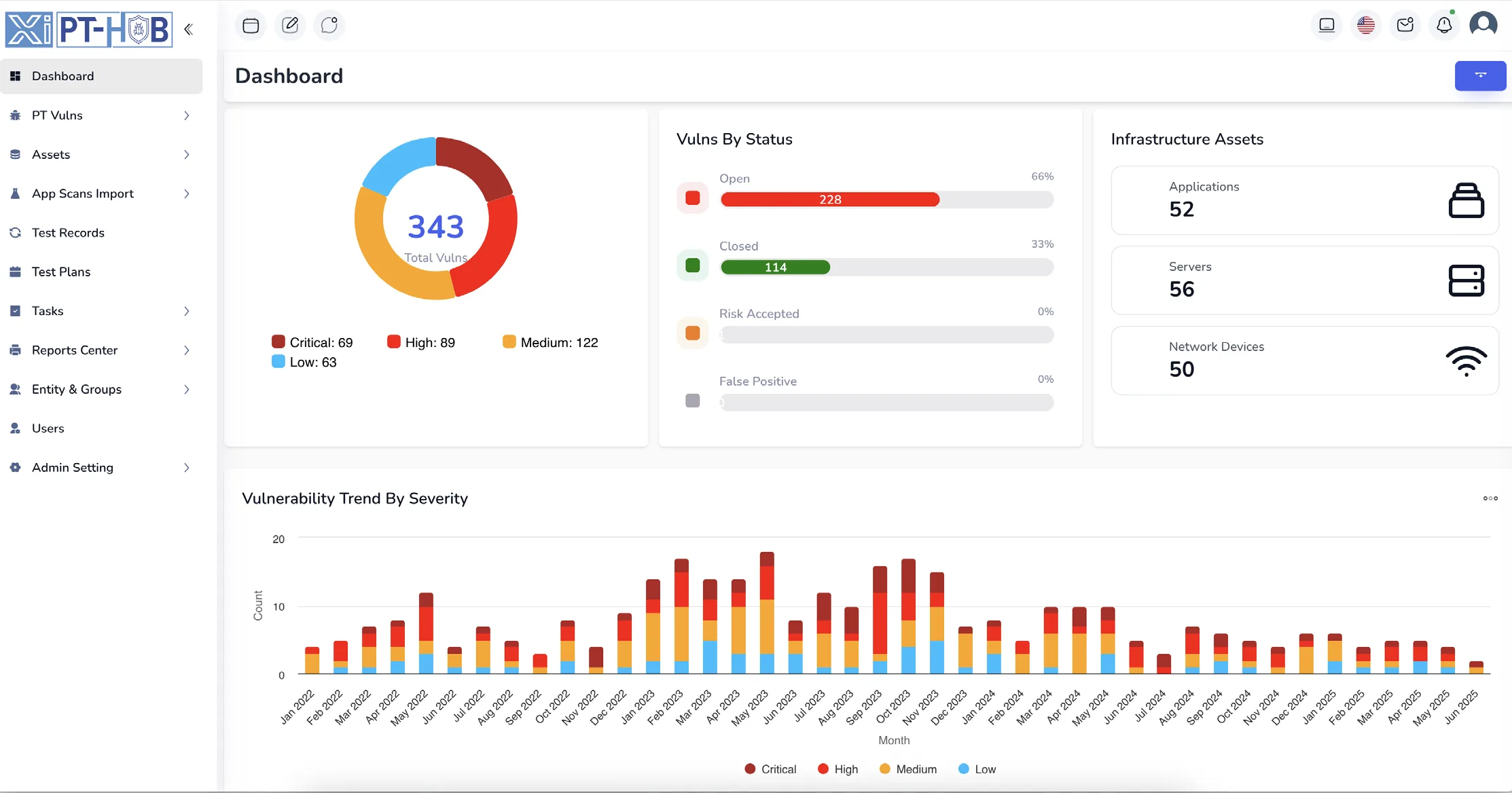
scope, test, report and retest, all tracked on the same finding
BlackBox, GrayBox and WhiteBox test plans, structured or ad hoc
isolated entities and groups for every client or business unit
with your data hosted in Saudi Arabia
Scope, test results, evidence and retests usually sit in different tools. PT-Radar keeps them on the finding itself, so anyone can see where it stands and how it got there.
Import scanner output or add findings by hand with standardized templates, severity classification and risk scoring.
Every change is logged with who made it and when, next to the evidence repository auditors ask for.
Draft the description, remediation, OWASP and CWE mapping and CVSS score from the attack vector. Asset names and endpoints are masked before anything is sent.
Track every finding with structured categorization, risk assessment and evidence, from the first report to the retest.
Key Capabilities: Severity and risk scoring | Evidence | Retest requests | Scanner imports
One inventory of applications, servers and network devices, organized into entities and groups.
Key Capabilities: Applications | Servers | Network devices | Entity groups
Plan tests, assign test cases and testers, and follow progress, with role-based access for every team member.
Key Capabilities: BlackBox, GrayBox, WhiteBox | Test cases | Task assignment | Role-based access
Generate reports for technical teams, management and compliance from customizable templates, backed by dashboards and a full activity log.
Key Capabilities: Custom templates | Executive dashboards | Activity monitoring
Five views your team uses every day. Select a numbered point to see what that part of the screen does.
Screens shown with sample data.
Scanner output lands in the same vulnerability list as your manual findings, linked to the asset it belongs to.
XML scan reports
CSV exports
Applications, servers and network devices
Standardized templates for everything found by hand
From in-house security teams to MSSPs and auditors, PT-Radar gives each role the view it needs, with permissions to match.
Public and private sector teams running their own testing programs.
MSSPs coordinating testing across many client environments at once.
Structure for independent practitioners, without enterprise overhead.
Assessments delivered under your own methodology.
Evidence and audit trails instead of screenshots pasted into a document.
See what changed, who changed it and when.
Developed by cybersecurity experts with hands-on penetration testing experience.
Encryption, role-based access control and activity logs are part of the foundation.
Supports formal methodologies and opportunistic testing equally well.
Fewer status chases for project managers and QA reviewers.
Anything else, ask us in the demo request below.
Test plans can use BlackBox, GrayBox or WhiteBox methodology, and the platform supports both structured and ad hoc penetration testing.
Yes. Imported scanner results and manually documented findings live together in one vulnerability list, linked to the right asset.
Yes. The multi-tenant architecture gives complete entity isolation, customizable entity groups and granular user access control.
Role-based access control sets fine-grained permissions per user, so internal staff, external testers and clients can work in the same project safely.
Yes. PT-Radar runs in the cloud or on-premise inside your own environment, and data is hosted within Saudi Arabia.
Pricing is quoted per deployment. Tell us your team size and what you need to cover in the form below, and we will send a quotation.
Request a demo and we will walk through the workflow with your assets, your methodology and your reporting requirements.